
How to Choose the Right Power Supply (PSU) for Modern GPUs
Graphics cards have reached unprecedented levels of performance, but their power delivery requirements have grown equally complex. If you are building or upgrading a system, you are likely asking: How do you choose a power supply that delivers stable voltage, prevents sudden system shutdowns, and protects your components from high transient power spikes?
Choosing a power supply unit (PSU) used to be a matter of picking a reputable brand and matching a total wattage number. Modern graphics processing units (GPUs) have transformed this passive component into an active pillar of system stability and safety.
Why is choosing a power supply suddenly so complicated for modern GPUs?
Modern graphics cards do not pull electrical power in a flat, predictable line. Instead, current-generation GPUs generate extreme transient power spikes—microsecond-long bursts of power draw that can exceed the card's rated thermal design power (TDP) by 150% to 200%.
A graphics card rated for 350W might pull over 600W for a fraction of a millisecond during rapid rendering transitions. As documented in our hardware analysis guides on AuraPC, legacy power supplies often interpret these instantaneous spikes as short circuits, triggering Over Current Protection (OCP) or Over Power Protection (OPP) and forcing an immediate system shutdown.
On top of transient spikes, high-end GPUs consume significantly higher sustained wattage than previous generations. Managing these thermal and electrical demands requires advanced internal voltage regulation and updated physical cabling standards designed specifically to handle high amperage safely.
Transient power spikes can force high-wattage legacy power supplies to trip safety protections even during normal gaming sessions.
How much wattage do you actually need for your GPU?
Sizing your power supply correctly requires calculating your total system draw and adding sufficient headroom for transient excursions and future component upgrades.
550W to 650W: Entry-level to mainstream graphics cards
This wattage tier accommodates graphics cards like the NVIDIA GeForce RTX 4060, RTX 4060 Ti, AMD Radeon RX 7600, and RX 7700 XT. These GPUs operate within a conservative sustained envelope of 115W to 245W, making them easy to run on standard platforms paired with mid-range CPUs like the Intel Core i5-14400 or AMD Ryzen 5 7600X.
Verdict: Ideal for 1080p and light 1440p gaming setups with modest sustained power draw.
750W to 850W: High-performance mid-range cards
This bracket handles high-demand GPUs including the NVIDIA GeForce RTX 4070 Ti Super, RTX 4080 Super, AMD Radeon RX 7800 XT, and RX 7900 XT. These cards draw between 200W and 320W continuously, with transient spikes approaching 450W. Pairing an 850W unit with CPUs like the AMD Ryzen 7 7800X3D or Intel Core i7-14700K ensures your PSU operates within its peak efficiency band.
Verdict: The sweet spot for modern 1440p and entry 4K gaming rigs needing reliable transient headroom.
1000W to 1200W+: Top-tier enthusiast cards and heavy overclocking
Flagship graphics cards such as the NVIDIA GeForce RTX 4090 and AMD Radeon RX 7900 XTX require substantial power reserves. The RTX 4090 maintains a 450W TDP that can unlock to 600W under custom power targets, producing transient spikes over 800W. When combined with overclocked flagship CPUs like the Intel Core i9-14900K, system power demands easily justify a 1000W to 1200W unit.
Verdict: Mandatory for flagship GPUs, heavily overclocked processors, and custom liquid cooling loops.
Do ATX 3.0 and native 12VHPWR connectors really matter?
The transition from the ATX 2.0 power standard to ATX 3.0 and ATX 3.1 represents the largest structural shift in PC power delivery in decades. Legacy ATX 2.0 units were designed when graphics card power draw was stable, requiring adapters to convert multiple 8-pin PCIe cables into new high-power headers.
ATX 3.0 power supplies natively incorporate the 12VHPWR (12+4 pin) cable, capable of delivering up to 600W through a single harness. Crucially, the ATX 3.0 specification mandates that units must tolerate excursions up to 200% of their rated capacity for 100 microseconds without tripping safety shutoffs.
The revised ATX 3.1 standard introduces the upgraded 12V-2x6 connector header. This standard shortens the signal sense pins and lengthens the main conductor pins, ensuring that power is only delivered if the connector is fully seated, virtually eliminating melting risks from loose connections.
Feature Standard | ATX 2.0 with Adapters | Native ATX 3.0 | Native ATX 3.1 |
|---|---|---|---|
Spike Capacity | 100% rated TDP max | 200% TDP for 100µs | 200% TDP for 100µs |
Header Type | Dual/Triple 8-pin | 12VHPWR (12+4 pin) | 12V-2x6 (H++) |
Sense Pin Depth | Standard length | Standard length | Shortened safety pins |
Connection Risk | Cable clutter | Thermal risk if loose | Minimal seating risk |
What are the biggest myths about PSU efficiency ratings and wattage limits?
This is one of the most common misconceptions in PC building: believing an 80 Plus rating guarantees overall build quality or internal component safety. An 80 Plus certificate only measures electrical efficiency at specific load percentages; it does not test voltage regulation, ripple suppression, transient handling, or build materials.
Another widespread myth is that buying a 1000W power supply for a system that uses 400W will waste electricity. Power supplies only pull the wattage demanded by your components, plus a small efficiency loss percentage. In fact, running a power supply at roughly 50% load places it directly inside its optimal efficiency curve, resulting in cooler and quieter operation.
Many builders also assume that sudden system crashes during high GPU loads are caused by faulty graphics drivers or defective GPUs. In reality, these crashes are frequently triggered by older power supplies failing to maintain voltage output during microsecond-level transient surges.
An 80 Plus rating measures electrical efficiency under static loads, not internal build quality or transient spike protection.
Why do two 850W power supplies with the same rating differ so much in price?
Two power supplies can share an identical 850W 80 Plus Gold rating while utilizing completely different internal platforms. The price gap comes down to component quality, circuit topology, manufacturing standards, and electrical protections.
DC-to-DC Topology: Premium units convert 12V power down to 5V and 3.3V independently, ensuring tight voltage regulation under unbalanced loads, whereas cheap units use inferior group-regulated designs.
Capacitor Grade: High-end power supplies use Japanese 105°C-rated primary and secondary capacitors that last longer than lower-cost 85°C-rated Taiwanese or Chinese alternatives.
Fan Bearing Construction: Premium units utilize Fluid Dynamic Bearing (FDB) fans that run silently for years, while budget models rely on noisy sleeve-bearing fans prone to premature failure.
OEM Platform Quality: Top tier power supply brands contract established original equipment manufacturers (OEMs) like CWT, Seasonic, and Super Flower rather than using low-cost contract manufacturers.
Protection Suites & Warranty: Higher-tier units incorporate comprehensive Over Voltage (OVP), Under Voltage (UVP), Over Current (OCP), Over Power (OPP), Short Circuit (SCP), and Over Temperature (OTP) protection backed by 10 to 12-year warranties.
How do modularity and cable design impact your build process?
Power supply modularity dictates how cables connect to the main power housing, affecting assembly ease, case air circulation, and interior aesthetics.
Non-Modular: Strict budget builds
On non-modular units, all power cables are permanently attached to the internal circuit board. Unused cables must be bundled and stuffed into the bottom chamber of your PC chassis, obstructing airflow in small enclosures.
Verdict: Recommended only for tight budget builds under tight financial constraints where every dollar matters.
Semi-Modular: Balanced value builds
Semi-modular designs feature permanently attached core cables—specifically the 24-pin ATX motherboard harness and 8-pin CPU power cable—while keeping PCIe, SATA, and Molex connections removable. Because essential system cables are always required anyway, this offers strong practical utility.
Verdict: Excellent choice for cost-conscious builders who want straightforward cable management without paying extra.
Fully Modular: Clean standard to high-end builds
Fully modular power supplies allow every single cable to be detached from the main housing. This configuration permits builders to attach only necessary runs, easily swap stock wires for custom-sleeved sets, and route thick cables through narrow chassis cutouts before connecting them to the unit.
Verdict: The ideal build standard for modern mid-range, high-end, and custom aesthetic builds.
Does an 80 Plus Gold rating actually save you money over Bronze?
Moving up from an 80 Plus Bronze rating to 80 Plus Gold yields tangible power savings, reduced electrical bills, and lower operational temperatures inside your PC case. The difference between Bronze and Gold represents roughly a 5% efficiency gain at typical loads.
Efficiency Tier | 50% Load Efficiency | Thermal Output | Estimated Payback |
|---|---|---|---|
80 Plus Bronze | 85% Efficient | Moderate heat | Baseline cost |
80 Plus Gold | 90% Efficient | Low heat | 1 to 2 years |
80 Plus Platinum | 92% Efficient | Minimal heat | 3 to 5 years |
For a gaming rig consuming an average of 400W during 4 hours of daily play, an 80 Plus Gold unit saves approximately 25W to 30W per hour at the wall compared to a Bronze unit. Depending on local electricity rates, the price gap between Bronze and Gold models usually pays for itself within 12 to 24 months of active use.
Upgrading from 80 Plus Bronze to Gold reduces internal heat output and recovers its price differential through energy savings within two years.
Should you buy a new PSU today or wait for upcoming ATX 3.1 revisions?
If you are buying a power supply today for a modern GPU upgrade, purchasing a native ATX 3.0 or ATX 3.1 unit is strongly recommended over legacy ATX 2.0 stock. Modern units equipped with 12V-2x6 connectors are widely available across major retail channels and sell at competitive prices.
There is little reason to wait for future hardware revisions if you need a power supply now. Current ATX 3.1 power supplies fully accommodate current-generation graphics cards and offer complete backward compatibility with older PCIe 8-pin hardware via standard modular cables.
Conclusion: Which power supply should you buy for your specific setup?
If you play at 1080p using mainstream hardware like an RTX 4060 or RX 7600, select a reliable 650W 80 Plus Bronze or Gold power supply with semi-modular or fully modular cabling.
If you play at 1440p with mid-to-high tier graphics cards like an RTX 4070 Ti Super or RX 7900 XT, choose an 850W ATX 3.0 or ATX 3.1 80 Plus Gold power supply featuring a native 12V-2x6 connector and Japanese capacitors backed by a 10-year warranty.
If you operate a no-compromise 4K gaming rig or heavy workstation powered by an RTX 4090 or RX 7900 XTX alongside a high-draw CPU, invest in a 1000W to 1200W ATX 3.1 80 Plus Gold or Platinum power supply to ensure stability against severe transient power spikes.
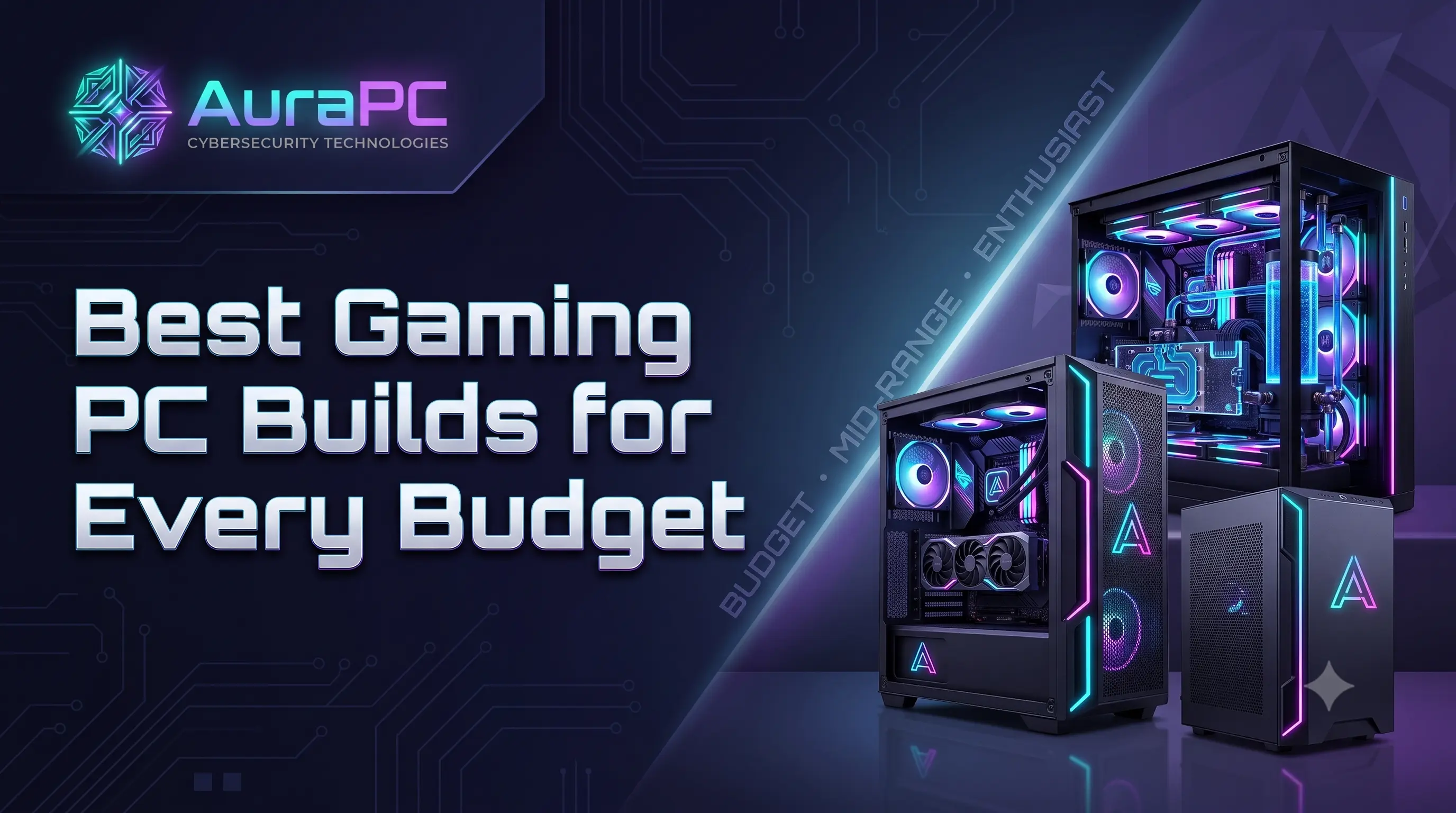
Best Gaming PC Builds for Every Budget AuraPc
This guide provides a detailed overview of building a balanced gaming PC in 2026 across various budgets (Entry-level, Mid-range, and More). It outlines the recommended budget distribution among components, emphasizing the importance of a strong graphics card and a reliable power supply. The article also compares key hardware choices, including AMD vs. Intel processors, NVIDIA vs. AMD graphics cards, and DDR4 vs. DDR5 memory, helping users make informed hardware choices that maximize value AuraPc
Related Articles

How Much VRAM Do You Really Need in 2026 Aurapc
This comprehensive guide breaks down the ideal amount of VRAM required for various computing needs in 2026. As games, machine learning upscaling, and AI content creation demands surge, the banner illustrates a balanced trajectory: 8GB remains the entry-level baseline, 16GB secures the mainstream sweet spot, and 24GB+ caters to enthusiasts aiming for high-performance future-proofing.
Framework Laptop 12 Gets Intel Core Series 3 CPUs and Thunderbolt 4 Upgrade
Framework has announced a substantial hardware update to its ultra-compact 12-inch 2-in-1 convertible notebook, the Framework Laptop 12. Prior to this update, hardware enthusiasts often viewed the Framework Laptop 12 as a niche product rather than a serious primary computer due to its reliance on outdated 13th-Gen Intel processors. The new revision replaces those aging chips with Intel's Core Series 3 processors, specifically offering configurations built around the Intel Cor
